Smart App Control

Adjust brightness, colours, and scenes in seconds with DayBetter — set timers, schedules, and routines with ease.
Effortless Touch Control

Tap to toggle, long-press to dim, and cycle through scenes with intuitive gestures — no app needed.

Voice Assistant Ready

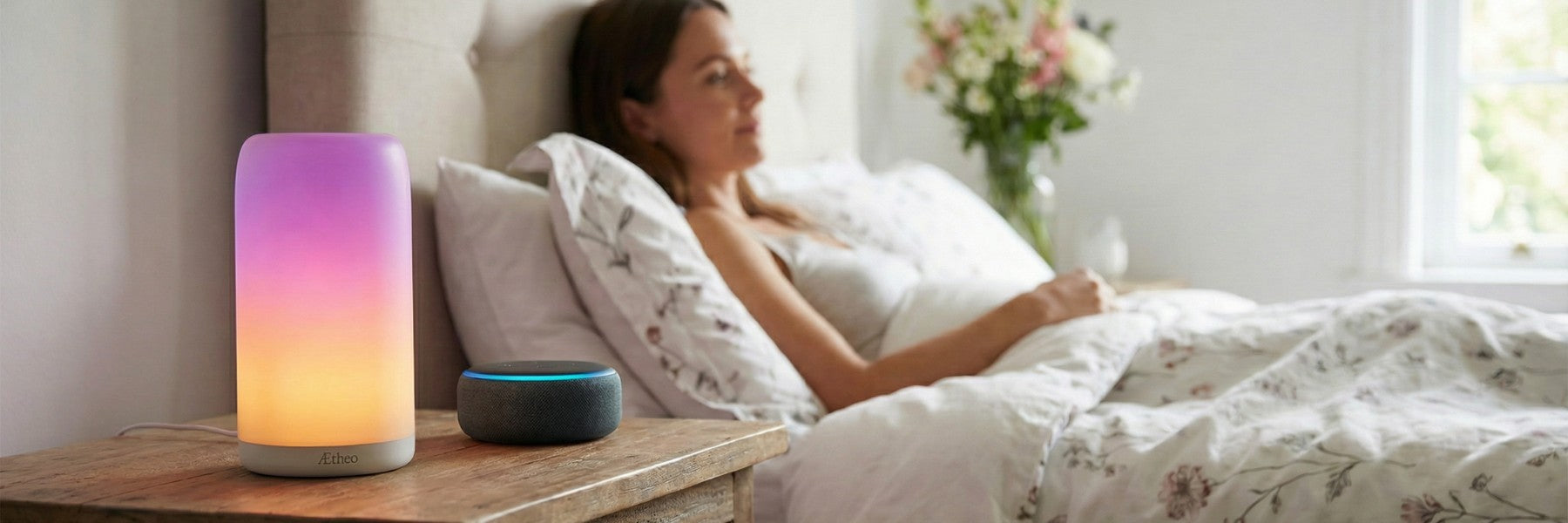
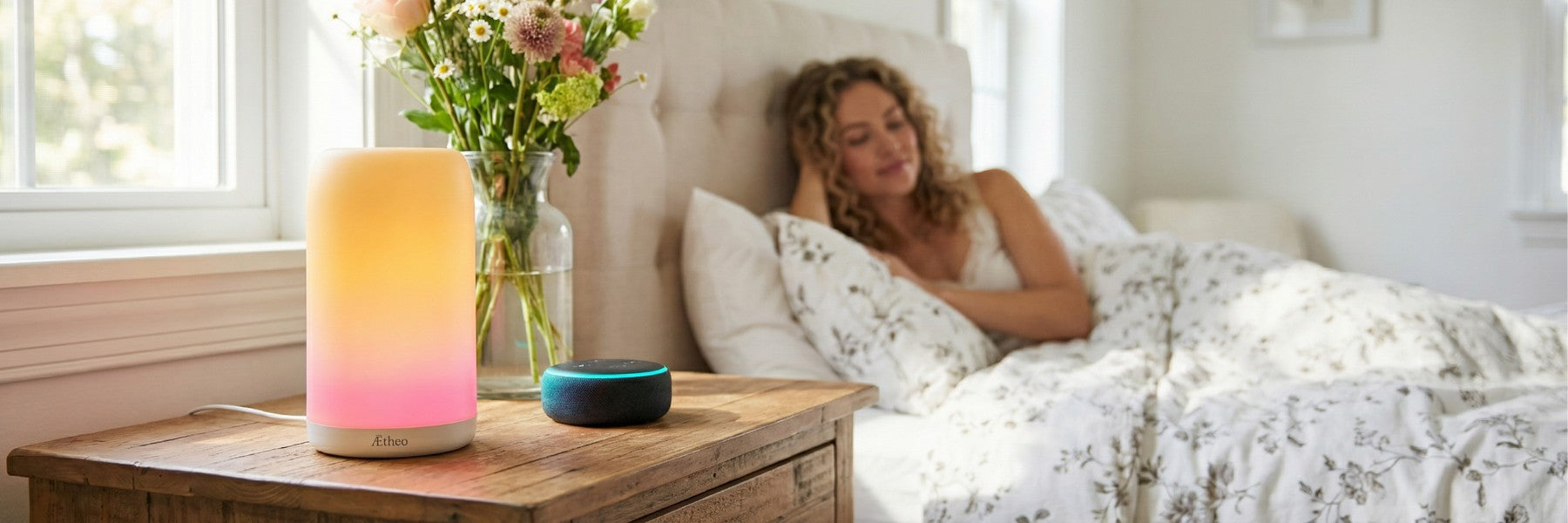
Your light, on your schedule — ask Alexa or Google Home to set the mood, or let your routines handle it automatically.

Focus Desk

Cleaner, brighter tones that support attention without cluttering your workspace.

Living Room Mood

Set the tone instantly for films, conversation, or quiet nights — with soft, natural diffusion.

AETHEO AURA

Designed for calm control

Core capabilities, refined for everyday living.

16 Million Colours + RGBIC

Layered gradients and smooth colour transitions for refined ambience.

Warm-to-Cool White

Seamless transition from soft 2700K warmth to crisp 6500K clarity.

Music Rhythm Sync

Light that pulses in sync with music or ambient sound.

Bring calm, intelligent light into your routine.

Choose your preferred mode and let Aura adapt with you through work, rest, and evening atmosphere.
Choose your preferred mode and let Aura adapt with you through work, rest, and evening atmosphere.Shop Aura

Morning and evening routines

Wake to a sunrise. Sleep to a sunset.

Set two routines once in the free DayBetter app and Aura brightens your mornings and dims your evenings on its own, on the days you choose.

Woman in bed at dawn with a mug, Aura glowing warm white on the bedside table

Morning

Wake to a sunrise

Aura starts with a soft, warm glow and brightens in steps to cool daylight white by the time you choose, on weekdays, weekends or every day.

Man reading in bed late at night by the warm amber glow of Aura on the bedside table

Evening

Sleep to a sunset

Half an hour before bed, the light steps down to the warmest 2700K glow, then Aura switches itself off. No reaching for a switch in the dark, and the touch panel still dims it by hand on nights you read late.

Set it up in the DayBetter app

About two minutes per routine. Make one called Sunrise and one called Sunset. Four to six steps, five minutes apart, give the smoothest change.

  1. On the Home screen, tap Automation at the top.
  2. Next to Scenes, tap +, then tap Name and call it Sunrise.
  3. Tap Add a time node, set the first time and choose your Aura lamp.
  4. Select Open, set Brightness, then select Color Temperature and set it: the warm end for a candle-like glow, the cool end for daylight white. Tap ✓.
  5. Add a time node for each step in the chart above.
  6. Tap Repetition frequency, choose your days, then tap ✓ to save. Check the routine's switch is on.
For the sunset: make the last time node Close instead of Open, and the lamp switches itself off. Aura is the light, not the alarm: it has no clock or sound.
DayBetter Automation tab showing a Sunrise scene
1–2 · Automation, then Scenes
A Sunrise routine with time nodes at 07:30, 07:35, 07:45 and 08:00
3–5 · One node per step
Choose Function screen with Open, Brightness and Color Temperature
4 · Brightness and warmth

Wi-Fi 2.4 GHz required. The app is updated regularly, so screens may differ slightly.Step-by-step guide in the user manual (PDF)

The Birth of Aura

Designed for British Living.

London winters are long, grey, and heavy. By late afternoon, daylight fades, and the room feels colder than it should. We wanted light that did more than brighten a space — we wanted warmth that lifts your mood. Aura was born from that need. A lamp that can wake you with a sunrise and dim to a sunset, bringing some rhythm back to the darkest months. A lamp that works with Alexa, responding naturally to your voice and setting the tone across your home. At Aetheo, we believe wellness starts with environment — light, scenes, and sound designed to gently elevate everyday British living.

FAQ

Does Aura support 5GHz Wi-Fi?
Can Aura wake me with a sunrise?
Can Aura dim and switch itself off at bedtime?
What if pairing fails during setup?
Can I control Aura without the app?
Is the light harsh or too bright at night?
Does it work with Alexa and Google Home?
Can I replace the bulb?
How do I change the pre-configured lighting effects via touch control?

Aetheo Aura

Specifications, made simple.

Everything you need to know — focused on the parts that matter for daily living: comfort, control, and calm ambience.

Brightness420 lm
Colour Temperature2700K–6500K
Power10W (DC 5V / 2A)
SizeØ10.5cm × H19cm

Everyday control

  • Colour: Full RGB with global brightness, plus White mode from cool to warm.
  • Scenes: A library of presets across mood, landscape, and lifestyle categories.
  • Rhythm: Music sync reacts to ambient sound with controlled, premium movement.
  • DIY: Build your own effects for routines, rooms, or seasonal ambience.
  • Timers: Schedules + countdowns for wake-up, focus blocks, and wind-down.

Personalisation

  • Touch Key Setup: Pick up to 10 effects that Aura cycles through via touch control.
  • Automation: Build routines that match wake, focus, and calm evenings.

Technical specifications

Brand Aetheo
Model A6808
Material ABS + PC
Dimensions Ø10.5cm × H19cm
Input DC 5V / 2A
Power 10W
Luminous Flux 420 lm
Colour Temperature 2700K–6500K
Colours 16 Million+ (RGBIC + CCT)
Wireless Wi-Fi (2.4GHz) + Bluetooth
App DayBetter
Warranty 1 Year Limited Warranty
Security updates Until the end of December 2028
Security issues Report a security issue

2.4GHz Wi-Fi required. Use a certified 5V/2A adaptor. Indoor use only.

What’s included

  • Aura Table Lamp ×1
  • USB Power Cable (adaptor not included) ×1
  • User Manual ×1